04From blank page to a designed experience
How I use AI to turn a design direction into a real website
- Role
- Talk — Claude for Designers
- Year
- 2026
- Phases
- 5
- Ideas holding it together
- 3
- Working prototype
- 1
The problem
Everyone already knows AI can build a website. That is not the interesting part. The interesting part is that the output is only ever as good as the direction you give it — and the direction is the design work.
This is the process I actually used to build this site: five phases, starting long before I opened any tool. AI does not replace the thinking. It shortens the distance between the thinking and something you can experience.
The frame
Craft, systems, narrative
- Craft
- How should it look and feel?
- Systems
- How does everything work together?
- Narrative
- What story are we telling?
The process
Five phases
Find a direction
Start with a mood, not a blank canvas.
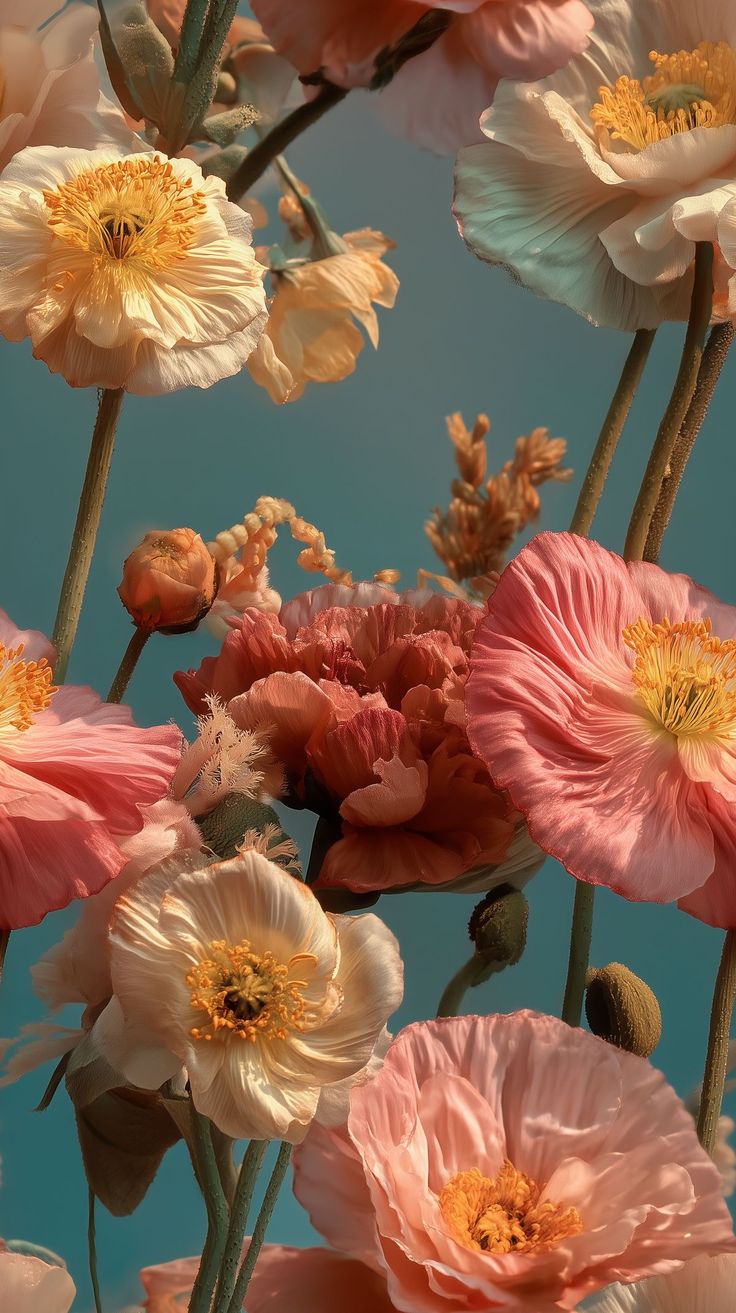
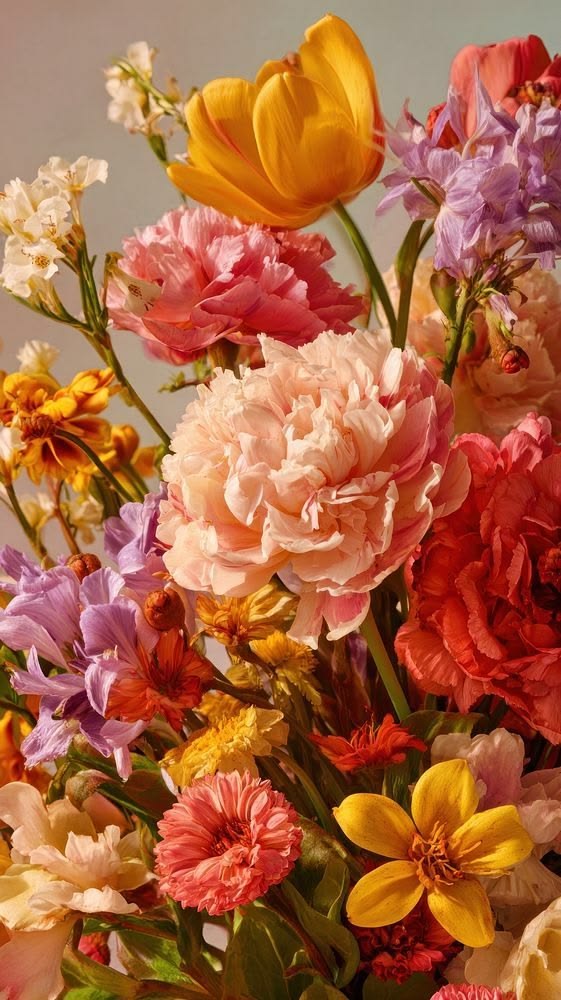
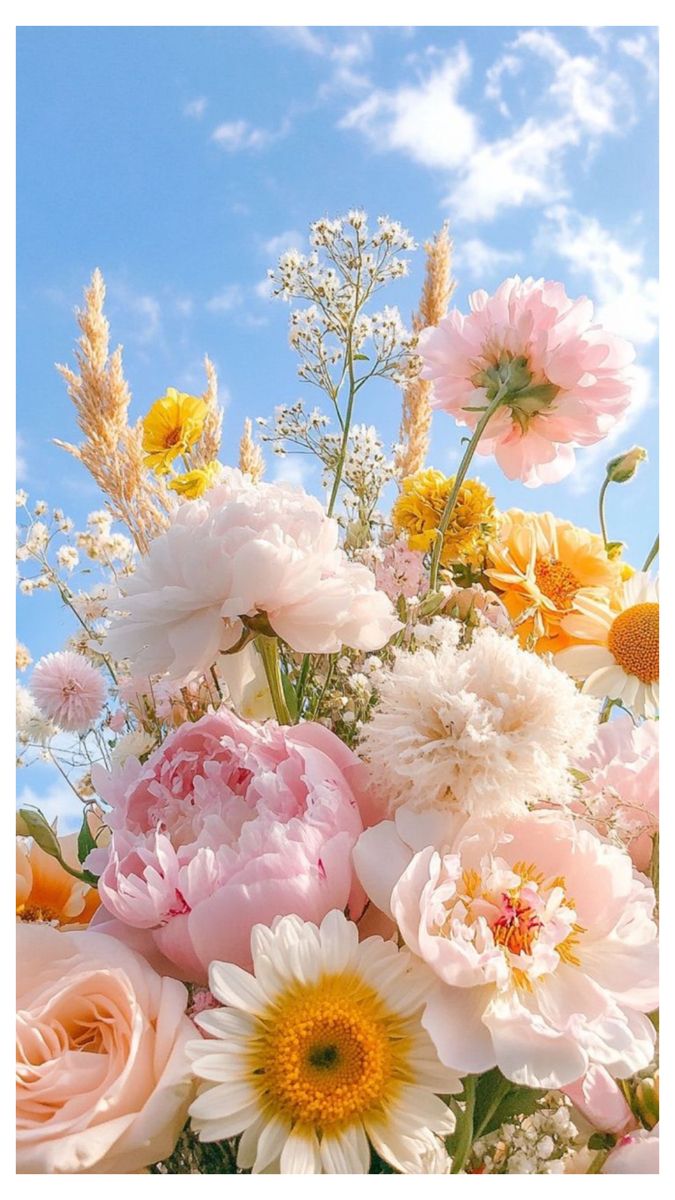
Before I ask AI to build anything, I need to know what I'm building. So I start with a moodboard — Pinterest, Dribbble, Awwwards, sites I keep going back to. I'm not collecting things to copy. I'm working out what it is I actually like.
Then I name the ingredients: colour, typography, layout, motion, imagery, overall mood. That list is the direction. Without it, you're asking AI to guess what you want, and it will.
- PinterestBroadest net. Good for mood, colour and photography.
- DribbbleComponent and interface detail — how people solve small pieces.
- AwwwardsFull sites with a point of view. Best for structure and motion.
- GodlyTightly curated. Fewer options, higher hit rate.
- Sites you already return toThe most honest reference you have.
Don't copy the mood. Understand the ingredients.
Define the structure
Before making it beautiful, decide how it works.
This is where I resist opening a colour picker. First: who is this for, what should they understand first, what do I want them to do, which content actually matters.
For this site it came out as a sequence — who I am, what I do, what I've built, why it matters, let's connect. Five boxes and some arrows. That sketch did more for the final result than any visual decision I made later.
Structure comes before decoration.
Build the visual language
Decide what the experience looks and feels like — as a system.
Now colour, type, imagery, identity, shape, motion. But I define each one as a question rather than a value: what emotional tone does the colour carry? Should the type feel bold or quiet? What kind of imagery represents this story? Where does movement add meaning?
The answers become a set of rules I can hand over. Not "make it look nice" — an actual language, so that everything built afterwards belongs to the same family.
A good website doesn't need more elements. It needs a consistent visual language.
Bring it to life
This is where AI becomes a design partner.
Only now do I bring it into Claude. And I don't ask it to make me a website — I give it the direction: the structure, the references, the content, the visual language, the feeling I'm going for.
That's the whole difference. Idea, then direction, then prototype. When the direction is vague, the result is generic and I've learned nothing. When the direction is specific, I get something I can react to in minutes.
The quality of the output depends on the quality of the direction.
Refine through reality
The first version is never the final version.
Once something works, I stop looking at the build and start looking at the experience. I open it on a real phone. I look at the hierarchy, the spacing, whether the interactions feel natural. I ask whether this is actually the thing I imagined.
A small example: I had a link in the footer that looked completely fine. On my phone I could barely hit it — it was sixteen pixels tall. Nothing in the design file would have told me that. Only the real thing on a real device did.
Design → build → experience → refine.
Try these today
Two skills I used
- frontend-design
Anthropic's own skill for visual direction — pushes toward a deliberate aesthetic instead of framework defaults.
Drop SKILL.md into ~/.claude/skills/frontend-design/ - ui-ux-pro-max
A searchable design-intelligence library: styles, palettes, font pairings, UX rules, per-stack guidance.
npm i -g ui-ux-pro-max-cli && uipro init --ai claude --global
The takeaway
AI doesn't replace the design process. It makes the distance between an idea and a real experience much shorter.
Screens

Direction